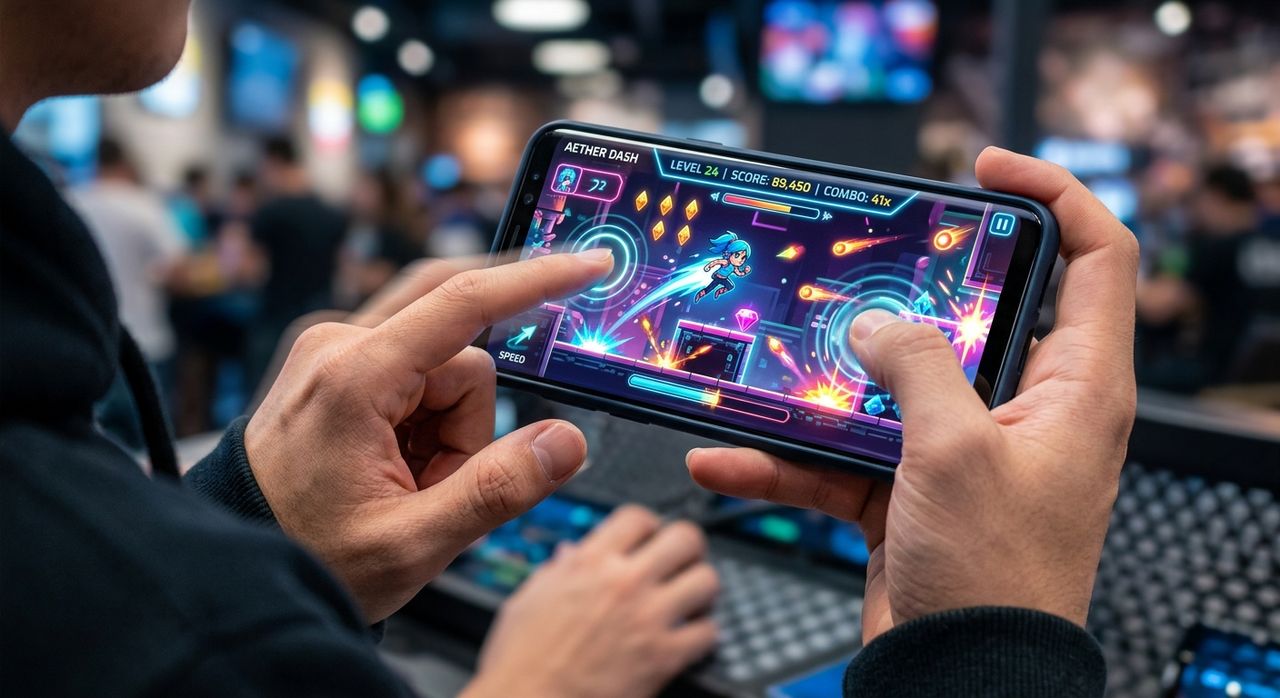
Your phone feels fast until it doesn't. You tap a button and nothing happens. You swipe and the animation stutters just enough to cost you the match. Most people blame their skills. The real culprit is often touch latency. The good news is you don't need a lab or a paid app to expose it. A handful of classic browser games will do it for free, in minutes, and in a way that actually feels meaningful.
Browser games are the most honest touch latency test you can run on your phone.
- High-refresh displays (90Hz, 120Hz) create a real, felt difference during fast-paced browser gameplay, not just on paper.
- Touch input lag as low as 30ms causes missed taps in reaction-based games, even on flagship phones under load.
- Zero-download browser games stress-test your screen's responsiveness without any native app install overhead.
Why Touch Latency Feels Different From Frame Rate
People talk about refresh rate constantly. 60Hz, 90Hz, 120Hz. The numbers are everywhere in phone specs. But refresh rate and touch latency are not the same thing. Refresh rate controls how many times per second the screen redraws. Touch latency is how long it takes the screen to register your finger and respond.
You can have a 120Hz panel with sluggish touch response and the experience still feels wrong. The finger and the screen feel disconnected, like there is a thin layer between your input and the result. That disconnect is exactly what browser games expose, because they demand fast, accurate taps with real consequences for each missed frame.
Research on touchscreen technology shows the human perception threshold for input lag sits around 10 to 15 milliseconds. Anything above that starts to feel like a delay, even if you cannot consciously name it. Budget phones often push 80ms or higher under load. That gap is the entire reason a game that feels silky on one device feels broken on another.
What a Higher Refresh Rate Actually Does During Gameplay
A faster display affects the experience in two distinct ways. First, animations look smoother. Second, and more relevant here, the screen samples your touch input more frequently. At 120Hz, the digitizer checks for your finger position up to 120 times per second. At 60Hz, it only checks 60 times. That extra sampling cuts the gap between your tap and the device's awareness of it.
Research into display refresh rates confirms that higher sampling directly reduces the average input delay a user experiences. In everyday use, like reading email or scrolling feeds, that difference is invisible. In a browser game where you need to press a moving target at exactly the right moment, it becomes very visible, very fast.
The practical takeaway is simple. A browser game played on a 120Hz phone and the same game played on a 60Hz phone are genuinely different experiences, not because the game changed, but because the hardware's ability to track your finger changed.
Games That Genuinely Stress-Test Your Screen
Not every browser game reveals latency problems. Turn-based puzzle games and slow-paced card games let the processor catch up without ever exposing the gap. You want games that force the issue. The characteristics to look for:
- Precise taps on moving targets: These demand that the screen knows where your finger is in real time, not 80ms after the fact.
- Strict timing windows: When a 50ms error means a miss, the game becomes a direct readout of your phone's latency.
- Immediate visual feedback: You need to feel the delay, and that requires the game to respond visually the instant it receives your input.
- Browser-only delivery: No native app means no shortcut through platform APIs. The browser rendering pipeline is where latency problems hide.
- Scaling difficulty: Easy levels forgive lag. Harder levels expose it. You want a game that pushes the device harder as speed increases.
Reaction games, rhythm games, and typing challenges all fit that profile. Each category punishes lag differently, but all of them surface the same underlying issue: the screen's ability to keep pace with your fingers.
Typing Races as a Touch Latency Laboratory
Typing games are underrated for testing touch response. The reason is that you are always competing against a fixed tempo. A character appears, you tap it, and the game tells you instantly whether you were on time. There is no way to compensate for lag. You either land the tap in the window or you don't.
On a phone with poor touch response, the keys feel numb. You tap and wait a fraction of a second before the letter registers. That fraction compounds across a long session until your words-per-minute drops noticeably. On a phone with tight latency and a high-refresh panel, the keys feel crisp and direct, like pressing a physical button.
Joining a multiplayer race takes this stress test to another level. You are now racing real people in real time. Every millisecond lost to input lag translates directly into a lower live position. The competitive format removes every excuse. Either your phone keeps up or it doesn't, and the gap between players makes the answer obvious within the first 30 seconds.
How Different Phones Compare Under the Pressure of Browser Play
Touch Response Feel Across Phone Tiers During Fast Browser Gameplay
| Phone Tier | Typical Refresh Rate | Approximate Touch Latency | Browser Game Feel |
|---|---|---|---|
| Budget (under SGD 300) | 60Hz | 70 to 120ms | Noticeable delay on fast taps, misses at peak speed |
| Mid-Range (SGD 300 to 700) | 90Hz to 120Hz | 40 to 70ms | Mostly responsive, minor slip under heavy load |
| Flagship (above SGD 700) | 120Hz adaptive | Under 35ms | Crisp and direct, near-instant registration on every tap |
These figures are generalizations, not guarantees. A well-optimized mid-range phone can outperform a poorly tuned flagship in real-world browser play. That variability is exactly why subjective testing inside a browser game reveals things that a spec sheet cannot. The numbers are a starting point. The game is the proof.
Benchmarking Your Phone Against the Global Field
Numbers without context mean little. Running a solo typing test tells you your phone is slow. Checking the score rankings gives you a real reference point. You can see what speeds top players are achieving and compare your results against them. If your score sits significantly lower than players on similar devices, your phone's touch response is likely the limiting factor, not your typing ability.
This matters in a practical sense. The next time you are choosing between two phones and you want to know whether the 120Hz panel on a mid-range model genuinely performs better than the 60Hz panel on last year's budget pick, you can test both in the same browser game, compare their positions on the live board, and have a real answer within ten minutes. No app download, no permission dialogs, no installation process.
Other Game Types That Reveal Different Sides of Touch Performance
Typing races are one option. Other browser game categories reveal different aspects of your phone's input handling. Each type puts pressure on a slightly different part of the touch pipeline:
- Whack-a-mole style games: Targets appear and disappear in under 300ms. Touch lag makes them nearly impossible at higher levels, exposing raw tap registration speed.
- Rhythm tap games: You tap in time with a beat. Even 40ms of lag throws off your timing and your score tanks in a way you can see and feel.
- Bubble shooters with moving targets: You aim while the target moves. Lag in tracking finger position causes consistent misses that feel random but are actually predictable.
- Speed sorting games: You drag items to categories under a time limit. Drag responsiveness exposes touchscreen tracking quality, not just tap latency, and surfaces a different class of problem.
Running a few of these across different categories gives you a more complete picture of how your phone handles real input. A phone that passes one type of test but struggles on another has a specific weak point, and knowing that is useful when you are comparing devices side by side.
What to Pay Attention to While You Play
The goal is not to get a perfect score. The goal is to notice how the screen feels. Pay attention to a few things while you play. Does the game respond the moment your finger lands, or is there a small pause before the action fires? Do animations stay smooth during fast sequences, or do they chop and skip at peak speed? When you make a mistake, does it feel like your error or does it feel like the phone missed your input entirely?
Those subjective impressions are useful data. They tell you whether your phone's display pipeline is keeping up with real-world interaction. A phone that scores well on paper but feels disconnected in a browser game is a phone that will frustrate you in daily use too, just in subtler ways you might not immediately connect to the hardware.
Your Fingers Were Testing Your Phone All Along
You do not need a benchmark app to know whether your phone's touch response is good. Your fingers already know. They know when something feels off. Browser games give that instinct a format and a number. They create a repeatable, comparable test you can run on any device, anywhere, without spending anything.
The next time you pick up a new phone and want to know if the 120Hz screen genuinely earns its price premium, open a browser and play a fast-paced game for two minutes. The screen will tell you everything the spec sheet won't. Classic games have been stress-testing reflexes for decades. Now they stress-test your hardware too, and they are surprisingly good at it.
Your phone is ready. The question is whether its touch response can keep up with you.