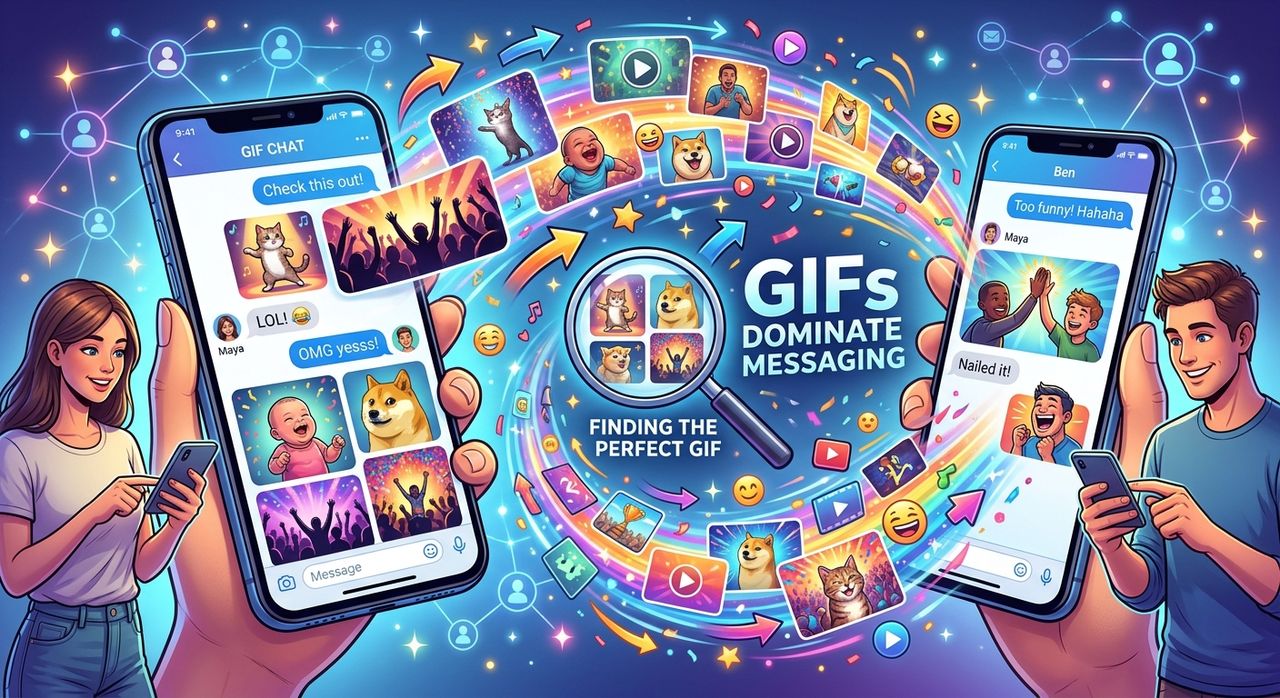
Animated GIFs are older than most of the smartphones they run on. The format traces back to 1987, yet here we are in 2026, watching loops of surprised faces, slow claps, and dramatic eye-rolls ping through chat threads every single day. Videos are sharper. Stickers are cleaner. Neither has knocked the GIF off its perch in group chats. That persistence is worth understanding.
At a Glance
- GIFs persist in messaging because they load instantly, loop silently, and carry emotional weight that static images cannot match.
- Your phone's display refresh rate and color reproduction shape how GIFs look to both you and everyone you send them to.
- Short clips from your phone's camera can be turned into shareable GIFs without installing a separate app.
The Format That Refused to Be Replaced
GIF stands for Graphics Interchange Format. It was created by CompuServe engineer Steve Wilhite in 1987, well before the World Wide Web existed as we know it today. This animated image format was designed for a world of dial-up connections, where keeping file sizes small mattered far more than resolution. That original constraint turned out to be its greatest long-term strength.
Over the decades, platform engineers have tried to shift users toward short video clips, looping MP4 files, and next-generation formats like WebP and APNG. None of them have fully replaced what a GIF does inside a conversation. The reason is surprisingly straightforward.
A GIF does not need a play button. It does not buffer. It does not accidentally make noise when someone is on a packed commuter train, sitting in a meeting, or lying in bed at midnight. It just starts, loops, and stays in the thread without demanding anything from the viewer. That passive, always-playing quality is the core of its appeal. A GIF is a reaction that takes care of itself without asking for permission.
Why GIFs Feel So Natural as Reactions
Human communication is built on micro-expressions. A raised eyebrow. A slow nod. A double take. Text cannot replicate any of these. Emoji try, but they are abstract symbols stripped of timing and texture. A GIF of someone performing a slow clap after a snarky comment hits differently than a single 👏 emoji. It carries rhythm, cultural context, and a recognizable face, all packed into a two-second loop.
That is why reaction GIFs became the default response format in group chats. They function as shared references. Sending a GIF of a well-known television character looking completely stunned is not just expressing surprise. It signals that you and the person receiving it share a cultural touchstone. That shared knowledge makes the exchange feel warmer and more personal than typed words alone ever could.
Messaging platforms understood this early. GIF search libraries became a core feature rather than an optional add-on, because users kept returning to them no matter which new format arrived to compete.
How WhatsApp, Telegram, and iMessage Each Handle GIFs
Each major messaging platform has built its GIF experience slightly differently. Understanding those differences helps you get more out of the format, and it also sets expectations when you switch between apps or devices.
- WhatsApp plays GIFs silently and inline inside the chat thread. Built-in GIF search pulls from GIPHY. You can also send camera clips under 6 seconds as GIFs directly from your gallery by toggling the GIF option in the attachment picker before sending.
- Telegram has a dedicated GIF panel that learns which clips you send most often and surfaces them at the top of the panel automatically. Its search pulls from a large internal library, and your saved GIFs sync across every device logged into your account.
- iMessage animates GIFs directly inside conversation bubbles without any extra tap. Its keyboard integrates Tenor through the image search button, and iOS identifies GIF files automatically, playing them the moment they appear in the thread.
- Signal supports GIF search via GIPHY, with privacy controls turned on by default. Search queries are routed through Signal's own servers rather than sent directly to third-party libraries, which reduces data exposure.
Telegram gives the most control over your personal GIF collection. iMessage provides the smoothest rendering on compatible Apple hardware. The platform and the handset work together more than most users realize, which is where display quality becomes relevant.
What Your Phone's Display Does to a GIF
Here is something most people skip past when comparing handsets. A GIF is a fast-moving visual. It can contain motion blur, subtle color gradients, and rapid scene transitions, all compressed into a small looping file. How all of that renders depends heavily on the display specifications of your device.
Refresh rate matters, though not quite in the way most people expect. GIFs themselves typically run at between 15 and 25 frames per second. A standard 60Hz screen can handle that without any problem. Where a higher-refresh panel at 90Hz or 120Hz makes a real difference is in everything happening around the GIF: the smoothness of the scrolling thread, the tap-to-expand animation, and the transition between conversations all feel noticeably better on a faster screen.
Color reproduction is where the difference becomes more obvious during actual use. GIFs with soft gradients, pastel backgrounds, or skin-tone animations can look flat and washed out on a display with a narrow color gamut. Wide-gamut panels that cover the DCI-P3 color space render those tones with noticeably more depth and accuracy. AMOLED displays have a clear advantage for dark-toned GIFs because black pixels are fully switched off, making contrast in a fast-moving loop look sharper than it ever could on LCD.
Peak brightness also plays a role when you are outside. A GIF with fine motion detail in direct sunlight requires enough nits to stay legible. This is one of the practical reasons why display specifications matter to people who spend a lot of time messaging outdoors. When comparing handsets on a mobile specs portal, the display section deserves more attention than the camera megapixel count if GIF-heavy chat threads are part of your daily routine. Filtering by color gamut and brightness will tell you far more than any marketing tagline.
Turning Your Own Phone Clips Into GIFs
GIF libraries are enormous, but sometimes the exact reaction you need does not exist in any library. That is where your own camera roll becomes the smarter resource.
Modern smartphones capture smooth, well-lit video even on mid-range hardware. A three-second clip of a friend's reaction at dinner, a pet doing something absurd, or a funny moment you happened to catch on camera can become a looping GIF that is genuinely original. Personal GIFs land differently in a group chat than a recycled stock reaction that everyone has already seen dozens of times.
The process does not require a dedicated editing app. A browser-based video to GIF converter lets you upload a short clip directly from your phone, trim it down to the key moment, and download a finished GIF file that is ready to share across any messaging platform immediately. A good converter also gives you control over the output frame rate and output dimensions, both of which affect the final file size in ways that matter when messaging apps cap what they will accept.
Here is a simple workflow for making a GIF from footage on your phone:
- Shoot your clip in landscape or square orientation for more flexible cropping later. Keep it short; under 5 seconds is ideal for a loop that feels tight rather than drawn out.
- Trim the clip on your phone before uploading anything. Cut any dead frames at the start or end. A tight clip produces a tighter, more effective GIF.
- Upload the trimmed video to the converter and set the frame rate between 15 and 20 fps. Higher frame rates produce smoother playback but noticeably larger files.
- Adjust the output width to around 480 pixels. That size works across most messaging apps without introducing compression artifacts or hitting file size limits.
- Download the finished GIF and save it to a dedicated album on your phone for easy retrieval later, so you are not scrolling through your entire camera roll when you need it mid-conversation.
A GIF made from footage only you have is a reaction nobody else in the thread has ever seen. That novelty alone makes it land harder than anything pulled from a trending public library.
Finding GIFs That Match the Exact Mood
Default GIF search in most apps surfaces popular content first. That means you and everyone else in the thread are often pulling from the same rotating pool of trending reactions. They work, but they can feel interchangeable after a while.
More specific search terms help more than people realize. Instead of searching for "happy," try "happy but exhausted" or "happy but panicking." Platforms like Tenor and GIPHY have libraries large enough that nuanced search terms return surprisingly accurate results. The specificity of a GIF is part of what gives it weight in a conversation. A generic thumbs-up says "acknowledged." A GIF of someone nodding with barely contained excitement says something entirely different and infinitely more memorable.
Building a personal collection over time is the other strategy worth committing to. Telegram's saved GIF panel is the best implementation of this idea across any major messaging app. When you spot a GIF in any conversation that you know you will want again, save it immediately. A curated personal library built over months of real conversations ends up matching your actual communication style far better than whatever happens to be algorithmically trending that week.
The Loop That Says More Than Words Can
GIFs have been declared obsolete repeatedly over the past decade. Video would replace them. Stickers would replace them. Neither has. The reason is not nostalgia or stubbornness. It is function. A looping, silent, instantly playing visual reaction fills a specific communication gap that no other format has managed to close, even with significantly better technology available.
For everyday phone users, that means GIFs are not leaving group chats anytime soon. Understanding how your handset's display renders them, knowing how to search for reactions that feel specific rather than generic, and knowing how to make your own from camera footage gives you a genuine advantage in the conversations that matter to you.
The format is old. The way it fits into how people communicate today is anything but dated.